> ## Documentation Index
> Fetch the complete documentation index at: https://docs.blink.store/llms.txt
> Use this file to discover all available pages before exploring further.
# Creating a store
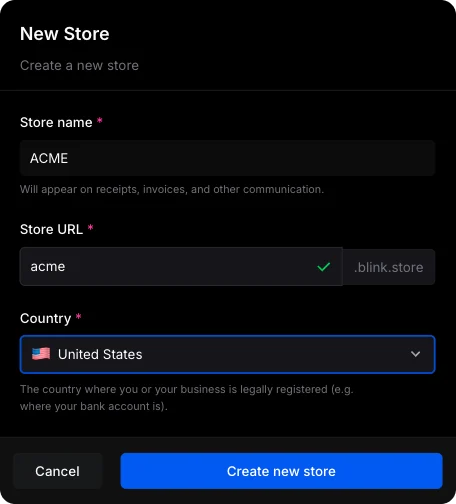
Blink lets you create multiple stores under one account, so you can manage different brands or projects separately. Each store has its own setup, meaning you’ll need to add payout details and complete verification for each one individually.
When you sign up for Blink, your first store is created automatically during onboarding—so you’re ready to go right away. You can always create more stores later by simply clicking the “Add Store” button whenever you need one.