
Documentation Index

Fetch the complete documentation index at: https://docs.blink.store/llms.txt

Use this file to discover all available pages before exploring further.

Blink lets you control how products appear in your store by setting a custom order.

Reorder products

Go to the Products page and click the Reorder button to open the menu. From the left panel, click or add products to move them into the Featured list on the right. You can then drag and arrange them in any order you want.
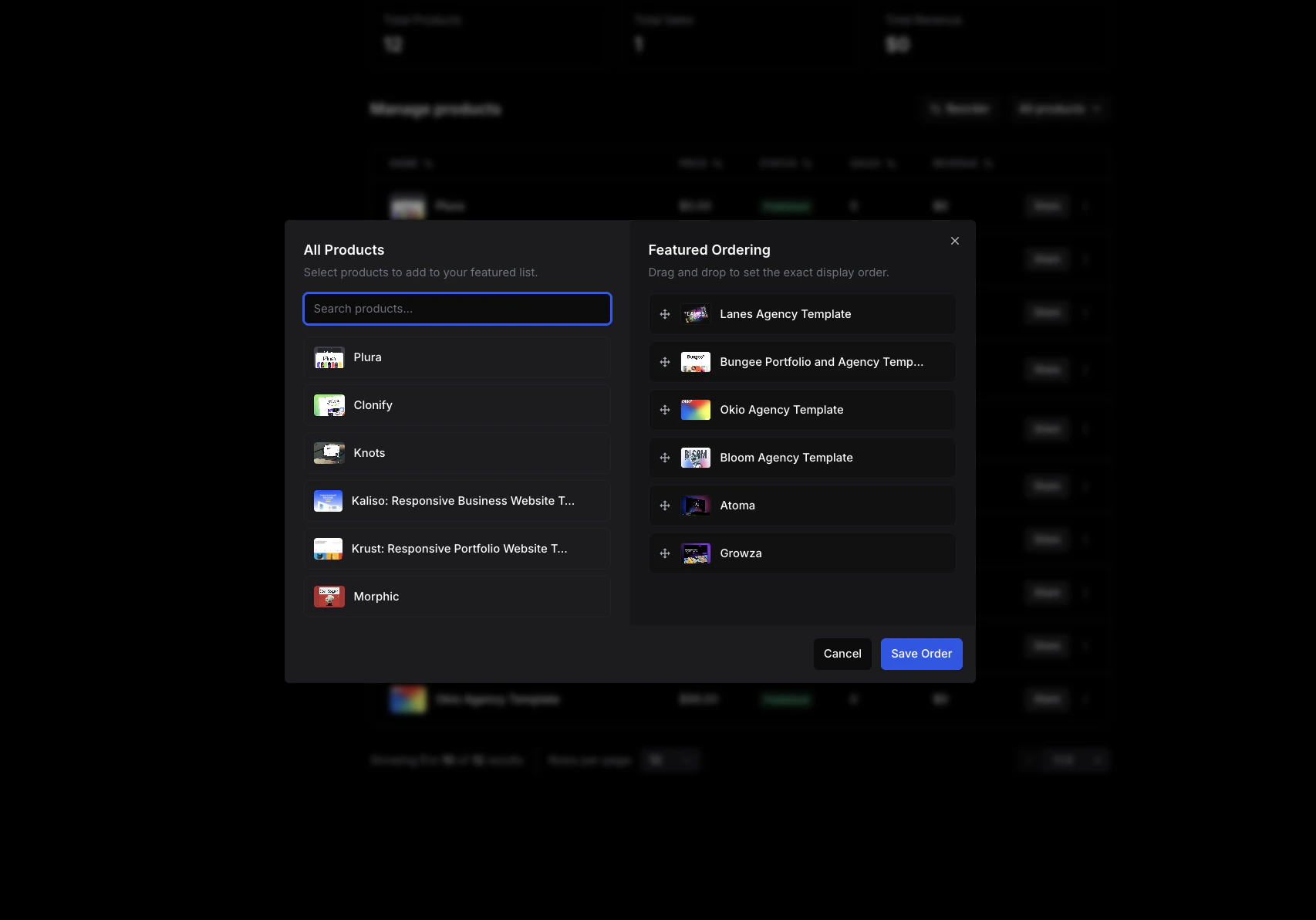
Clean Shot 2026 04 24 At 09 49 57
Once set, your store will include a Featured filter showing products in your custom order.
You can set your store’s default sorting option from the Design tab.